Skills
Pick up practical abilities you can use straight away. Each activity builds a skill that makes you more capable at work and at home.
The skills in this category share a property worth naming: each one is small enough to learn in an hour and gets used often enough to repay that hour many times. That combination is rarer than it sounds. Most professional development is either too large to start casually or too specialized to use, and this category deliberately excludes both. Each is also small enough that you can decide within the first ten minutes whether it is worth continuing.
These suit you when a recurring task takes longer than it should, when you have noticed yourself searching for the same thing repeatedly, or when a skill gap has started to constrain what you can take on. Several are also the sort of thing nobody ever teaches explicitly, which is why capable people frequently have surprising holes in exactly these areas. Most also improve something you already do daily rather than adding a new activity to an already full week.
To choose, follow the frequency. Whatever you do most often is where a small improvement compounds fastest, which usually means typing, keyboard shortcuts, spreadsheets or writing. If your work is more about people than tools, public speaking, active listening, negotiation and business communication are the equivalents. Presentations, data visualization and design principles sit in between and affect how your work is received rather than how it is produced. These are also unusually visible to other people, since they show up in how your emails read and how your meetings run.
What you need is almost always the computer you already use and something real to practice on. That last part matters more than it sounds: these skills transfer poorly from tutorial examples and well from your own messy files, your own slides, your own recorded voice. Two activities benefit from a specific tool, and neither costs anything.
Start today with whichever thing you have searched for more than twice this month. Repeated searching is the most reliable signal available for where a small skill investment will pay off, and it is a better guide than any list of recommended competencies. Practice on real work rather than examples, and use the new skill once for something that actually mattered before the session ends. Your own recent work is the best practice material available, and it is the reason these skills stick where tutorial exercises do not.
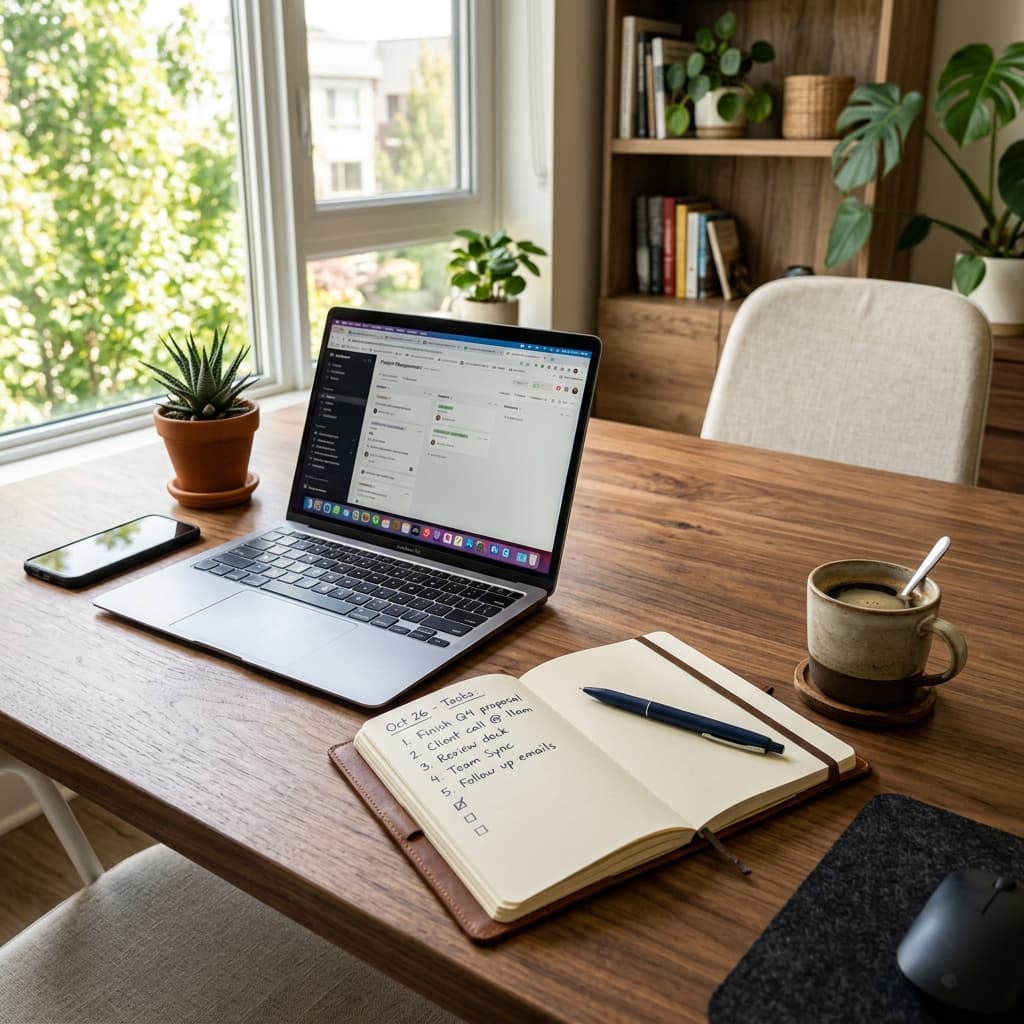
Learn a new Excel/Google Sheets function
Learn one spreadsheet function by applying it to a small table you understand.
Read the full guide →Practice typing speed exercises
Typing speed exercises work best when they give you something specific to practise: awkward keys, punctuation, numbers or copying real sentences.
Read the full guide →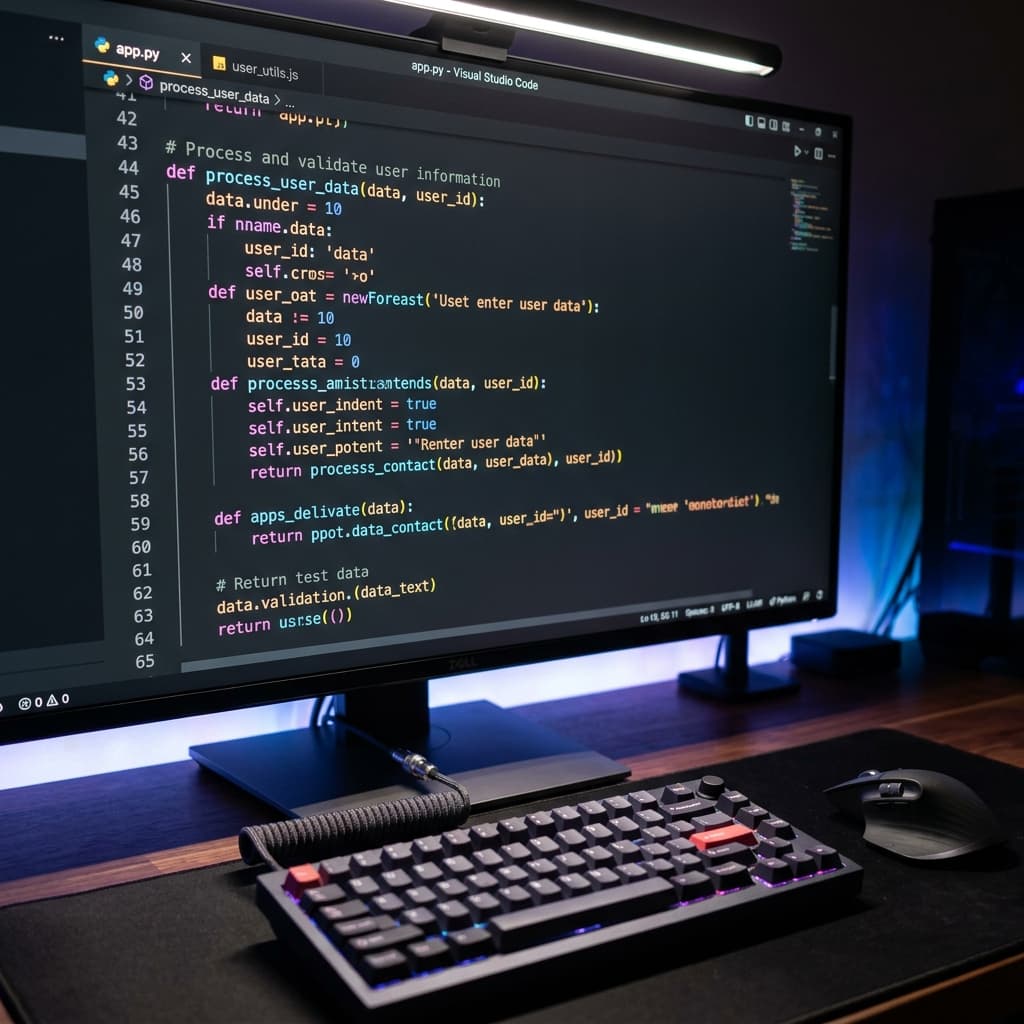
Learn keyboard shortcuts for your OS
Master a handful of system shortcuts that will save you minutes every single day.
Read the full guide →Learn basic coding concepts
Try an interactive coding tutorial and get a feel for variables, loops, and logic.
Read the full guide →
Practice public speaking
Pick a topic and speak about it for five minutes, recording yourself to spot habits to improve.
Read the full guide →
Learn basic photo editing
Learn to crop, adjust exposure, and color-correct your photos with free editing tools.
Read the full guide →Improve your writing skills with exercises
Writing practice is easier to review when each drill has a clear constraint.
Read the full guide →Learn to create effective presentations
Learn the principles of clear, persuasive slides — and what to leave off them.
Read the full guide →Practice active listening techniques
Active listening practice means giving someone room to speak, checking what you understood and asking a useful follow-up question.
Read the full guide →Learn basic video editing
Learn cuts, transitions, and titles with a free editor and a few clips from your phone.
Read the full guide →Learn data visualization basics
Discover how to turn raw numbers into honest, easy-to-read charts.
Read the full guide →Practice speed reading techniques
A useful speed reading exercise measures what you understood as well as how quickly you read.
Read the full guide →Learn project management fundamentals
Get to grips with scoping, milestones, and prioritization — useful far beyond the office.
Read the full guide →Study design thinking principles
Learn the empathize-define-ideate-prototype-test loop and apply it to a problem of your own.
Read the full guide →Practice mental math tricks
Learn shortcuts for quick percentages, tips, and estimates — handy every single day.
Read the full guide →Learn the basics of AI tools and prompting
Explore what modern AI assistants can do and practice writing prompts that get genuinely useful results.
Read the full guide →Learn to take better meeting notes
Pick up a simple note-taking method that captures decisions and actions, not transcripts.
Read the full guide →Learn basic graphic design principles
Get a feel for contrast, alignment, and hierarchy so everything you make looks more polished.
Read the full guide →Practice negotiation with role-play scenarios
Run through a negotiation scenario out loud — anchoring, trade-offs, and the power of silence.
Read the full guide →Learn Markdown for faster note-taking
Spend 20 minutes learning Markdown and format notes and documents at the speed of typing.
Read the full guide →
Learn about business analytics
Explore how businesses use data to make decisions, from KPIs to dashboards.
Read the full guide →
Learn about business communication
Sharpen the way you write emails, give updates, and run meetings.
Read the full guide →Other Categories
Outdoor
20 activities
Creative
20 activities
Learning
20 activities
Food & Drink
20 activities
Mindfulness
20 activities
Social
16 activities
Games
16 activities
Career Development
20 activities
Organization
21 activities
Financial
18 activities
Personal Growth
19 activities
Home Improvement
16 activities
Health & Fitness
16 activities