Organization
Bring order to your space, schedule, and digital life. Small organizing wins compound into calmer days and sharper focus.
Organizing activities have an unusually poor reputation for a category that reliably delivers. The problem is that most organizing advice optimizes for how a space looks rather than for how little maintenance it needs afterwards. Everything here is built around the second, which is why several activities recommend deleting, archiving or deliberately leaving capacity empty. The other consistent theme is that sorting comes before storage, because containers bought first mostly enable keeping more than you should.
These suit you when a system has quietly stopped working, when you cannot find something you know you own, or when the same small friction has annoyed you every day for a month. Several also protect against genuine risk rather than mere inconvenience: backups, password management and document filing are all cheap now and expensive to have skipped. Each also has a maintenance cost, and choosing systems with a low one is what determines whether they survive past March.
To choose, start with whether the mess is physical, digital or temporal. Workspace, closets, filing and donation boxes are physical. Computer files, email, bookmarks, phone apps and backups are digital, and are usually the more neglected half. To-do lists, weekly planning, date tracking and productivity systems organize time rather than objects, and tend to have the largest effect on how a week feels. Each of these also removes a small recurring friction rather than solving something once, which is where the compounding value sits.
What you need is mostly a computer and a willingness to throw things away. Two activities want a purchase: an external drive for backups and a password manager subscription, both of which are among the better small expenditures available. Everything else uses what you already have, and buying storage containers before sorting is a reliable way to keep more than you should. Bin bags and a shredder cover most of the physical side, and both are more useful than any storage purchase.
Getting started today means choosing the smallest area that irritates you most rather than the largest area that needs it most. A fifteen-minute sprint on one drawer finishes; a plan to organize the house does not. If the digital side is where the problem lies, archiving an email backlog wholesale takes about ten seconds and removes a surprising amount of low-level pressure. A shared note that everyone in the household can edit is worth more than any dedicated application nobody else will open.
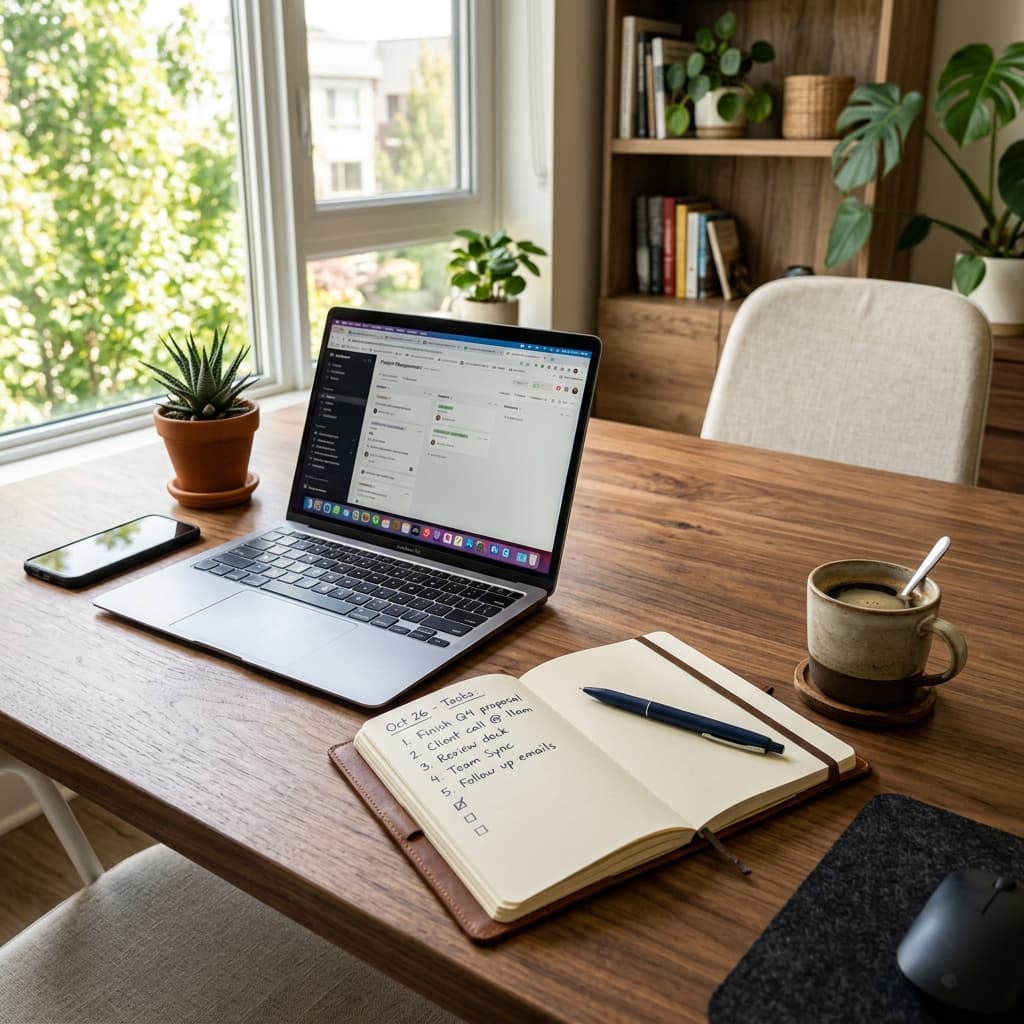
Organize your workspace
Clear your desk, sort the clutter, and set up a workspace that helps you focus.
Read the full guide →
Clean up your computer files
Sort your downloads and documents into sensible folders and delete what you no longer need.
Read the full guide →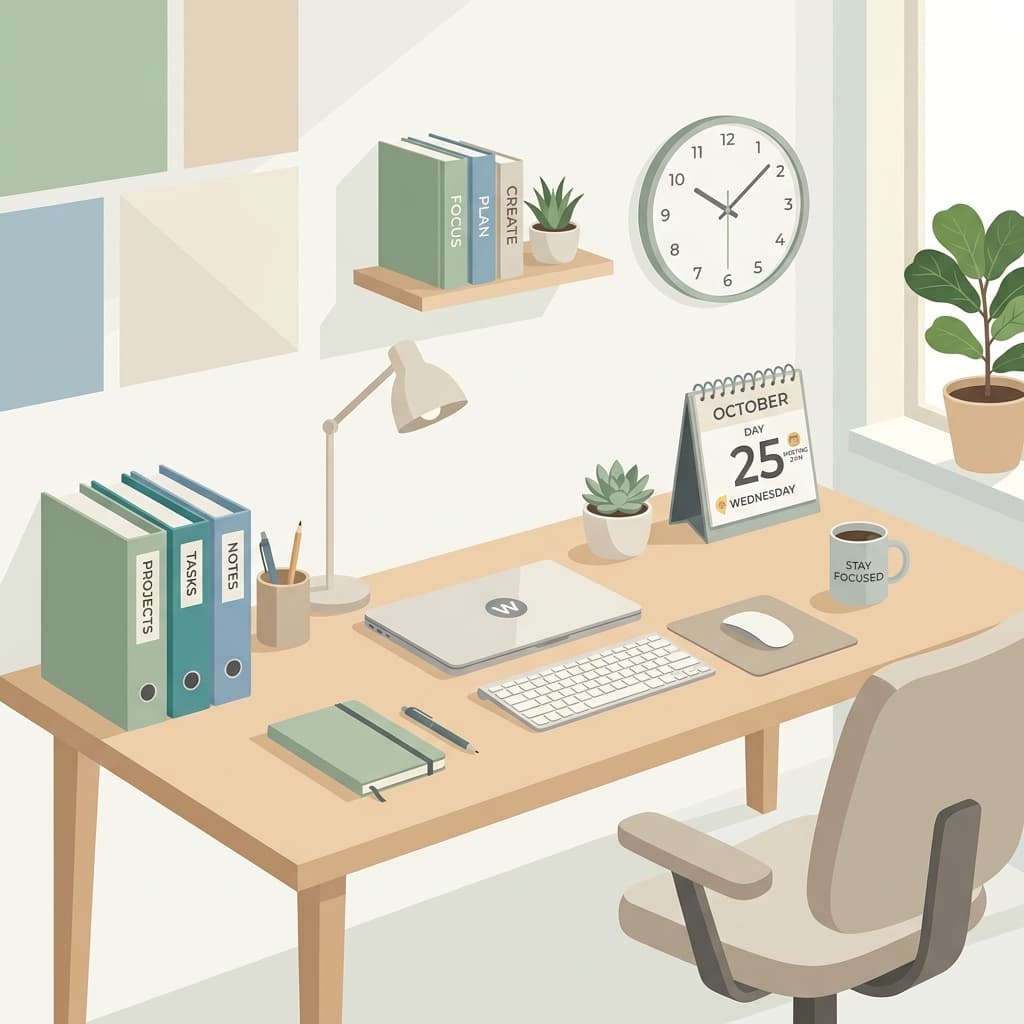
Create a to-do list for the week
Capture everything on your plate and turn it into a realistic, prioritized plan for the week ahead.
Read the full guide →Set up a filing system
Create a simple home for paperwork and documents so you can find anything in seconds.
Read the full guide →Organize your email inbox
Archive the backlog, unsubscribe from the noise, and set up folders so new mail has a home.
Read the full guide →Declutter your digital workspace
Tidy your desktop, close those 47 browser tabs, and uninstall apps you never use.
Read the full guide →Create a document naming convention system
Decide on a consistent way to name files and folders so future-you can find things instantly.
Read the full guide →Set up a password manager
Move your passwords into a secure manager and replace weak, reused ones while you're at it.
Read the full guide →Organize your browser bookmarks
Organise browser bookmarks around the pages you actually return to.
Read the full guide →Create a system for tracking important dates
Set up a calendar with birthdays, renewals, and deadlines so nothing catches you by surprise.
Read the full guide →Digitize important paper documents
To digitise paper documents, scan readable copies, give them consistent names and store them somewhere you can back up and search.
Read the full guide →Create a meal planning system
Build a simple weekly meal-planning routine that saves money and ends the nightly what's-for-dinner debate.
Read the full guide →Organize your phone apps into folders
Organise phone apps by the jobs you use them for, such as Travel, Money, Messages, Photos and Everyday Tools.
Read the full guide →Set up a household supplies inventory
Track the consumables you actually run out of — cleaning supplies, batteries, pantry staples — so restocking stops being a guess.
Read the full guide →Plan your next day the night before
Spend ten minutes listing tomorrow's top three priorities so you start the day already knowing what matters.
Read the full guide →Do a 15-minute declutter sprint
Set a timer, grab a bag, and clear as much clutter as you can from one area before it rings.
Read the full guide →Back up your important files
Set up an automatic backup for your photos and documents — before you need it, not after.
Read the full guide →Create a donation box for unused items
Start a box for things you no longer use and drop it off when it's full — decluttering that helps someone else.
Read the full guide →
Sort your photo library into albums
Tame your camera roll: delete the duplicates and blurry shots, then sort the keepers into albums.
Read the full guide →Write a packing checklist template for trips
Create a reusable packing list so you never again land somewhere without a charger or toothbrush.
Read the full guide →
Create a personal productivity system
Set up a trusted system for capturing tasks, notes, and ideas so nothing slips through.
Read the full guide →Other Categories
Outdoor
20 activities
Creative
20 activities
Learning
20 activities
Food & Drink
20 activities
Mindfulness
20 activities
Social
16 activities
Games
16 activities
Career Development
20 activities
Skills
22 activities
Financial
18 activities
Personal Growth
19 activities
Home Improvement
16 activities
Health & Fitness
16 activities